AI for Google Ads with an approval step: how it works
In this article
When you let an AI read your accounts and draft changes, the first question is who decides which changes reach Google Ads. This article walks through how AdPilot for Google Ads separates the two: the AI drafts, a person approves, and each write leaves a trace.
1. A newly linked account starts read-only
A newly linked account is read-only by default; an owner or approver must allow changes for each account separately (source). For an agency, linking another client account doesn't by itself let the AI change that account.
How far the AI can go also depends on the address you paste into your AI app and your organisation's maximum level in Guardrails: the real level for each call is the lowest of four things — the permission you gave the AI app, the address you're using, the Guardrails maximum and the plan you're on (source). To connect, see Google Ads MCP: what it is and how to connect it safely.
2. The AI drafts a proposal; nothing touches Google yet
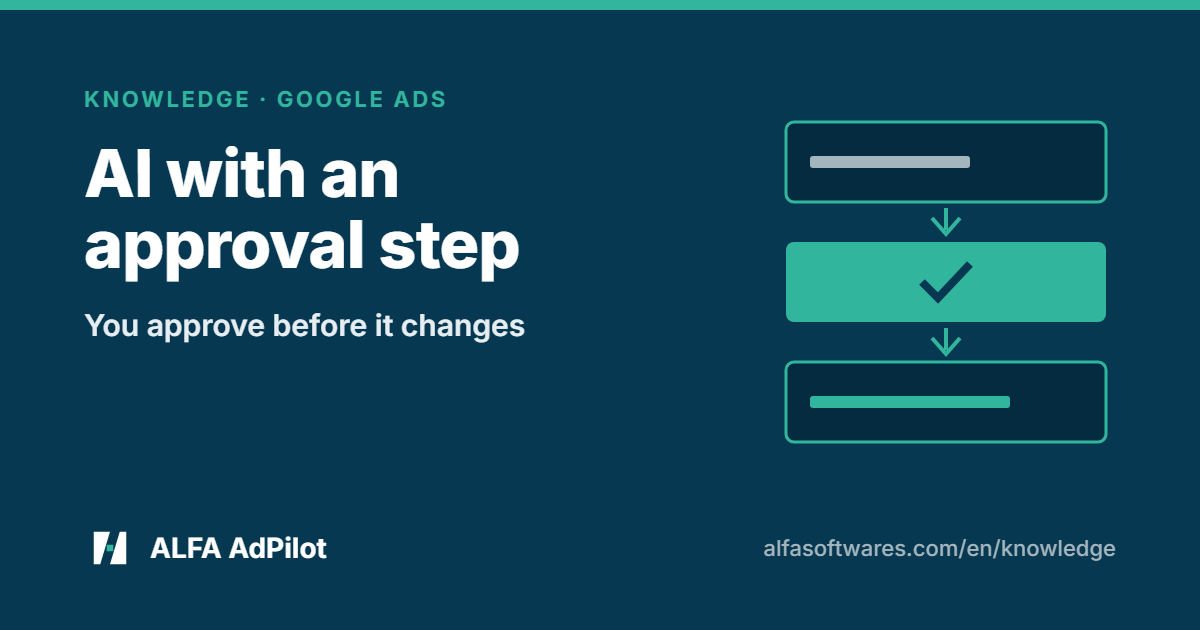
AdPilot doesn't write directly: each change goes through a proposal you approve (source). The proposal writes up the change, with its reasoning and risk level; at this point nothing has touched Google (source).
3. Pre-check before the change
The proposal is checked against safety rules, the limits you've set and the account's actual state; finance and cryptocurrency accounts are also checked against industry-specific policy rules (source). A blocking error means the proposal can't be applied, unless an owner or approver overrides it with a reason (for block types that allow an override) (source). For anything it flags, AdPilot explains why and suggests a fix (source).
4. A person approves; the AI stops here
- Low risk: you agree in the chat.
- High risk: someone has to open the approval page and click — the AI can't approve itself.
- If nobody approves within 24 hours, the proposal expires.
(source)
5. Apply, log and undo
- Apply is the only place that writes to Google Ads. AdPilot reports the result item by item — if only part succeeds, it says exactly which items failed — and records it in the log (source).
- The log shows who approved, when, and how it turned out — including runs that failed or were blocked (source).
- Undo creates a reverse proposal and goes through the same apply step — there's no separate shortcut. If the account has been changed since the apply, the rollback waits for approval like any proposal. Where something can't be reversed, such as deleting a campaign, AdPilot says so (source).
- The exception: an undo is applied automatically, with no wait for approval, when the real level of the call is “Full”, the account hasn’t been edited since the change was applied, and either the reverse change is low-risk, or the original change was low-risk and was applied no more than 24 hours ago. Removing an asset group that is running or has already had impressions always waits for an approver, even within 24 hours. Any other undo, and any undo on an account edited since, waits for an approver like any other proposal (source).
Agency checklist before letting an AI draft changes
- Know which accounts allow changes and which are still read-only
- Set your organisation's Guardrails maximum and internal limits
- Know who approves high-risk changes on the web
- Know that proposals expire after 24 hours without approval
- Know where the log is and how to undo
Where to try it
Ask in plain words in Claude, ChatGPT, or Studio on the ALFA web app (source). The Trial plan needs no card.
See AdPilot for Google Ads · Connect AdPilot to your AI
Running Meta ads too? See AdPilot for Meta Ads.
💬 Need help? Join the ALFA Software support group on Telegram (ask in your own language) — or message our support bot privately about your account or invoices.
Checked on 7 Nov 2026 against ALFA's AdPilot for Google Ads and Connect your AI pages.
Sources
- ALFA Software — AdPilot for Google Ads: https://alfasoftwares.com/en/adpilot-google
- ALFA Software — Connect AdPilot for Google & Meta Ads to AI: https://alfasoftwares.com/en/noi-ai