Create a Traffic ad set with AdPilot for Meta Ads: conversion location, performance goal, spending limits
Contents
When you create an ad set for a campaign whose objective is Traffic in AdPilot for Meta Ads, step ② “Ad set” of the “Create new campaign” screen has a Conversion location box. If the campaign uses a campaign budget, the same step also has an Ad set spending limits area. This article explains each box, which performance goals go with which location, and what AdPilot says when a choice isn’t valid or Meta turns it down.
Before you start
- The “Conversion location” box only appears when the ad set belongs to a campaign with the Traffic objective. Campaigns with another objective keep the “Performance goal” box on its own, as before.
- The ad set is created turned off and goes through a proposal that someone has to approve, like other changes in AdPilot. The proposal summary records your choices, for example “…; conversion location: Website; performance goal: Maximize number of landing page views”.
- When the “Campaign” box lists two or more campaigns (the turned-off campaigns of the selected ad account), a button “Update for the selected campaign” sits under it. After you change the campaign, press it to redraw the boxes for the new campaign (performance goal, conversion location, spending limits); what you have already filled in is kept.
Conversion location
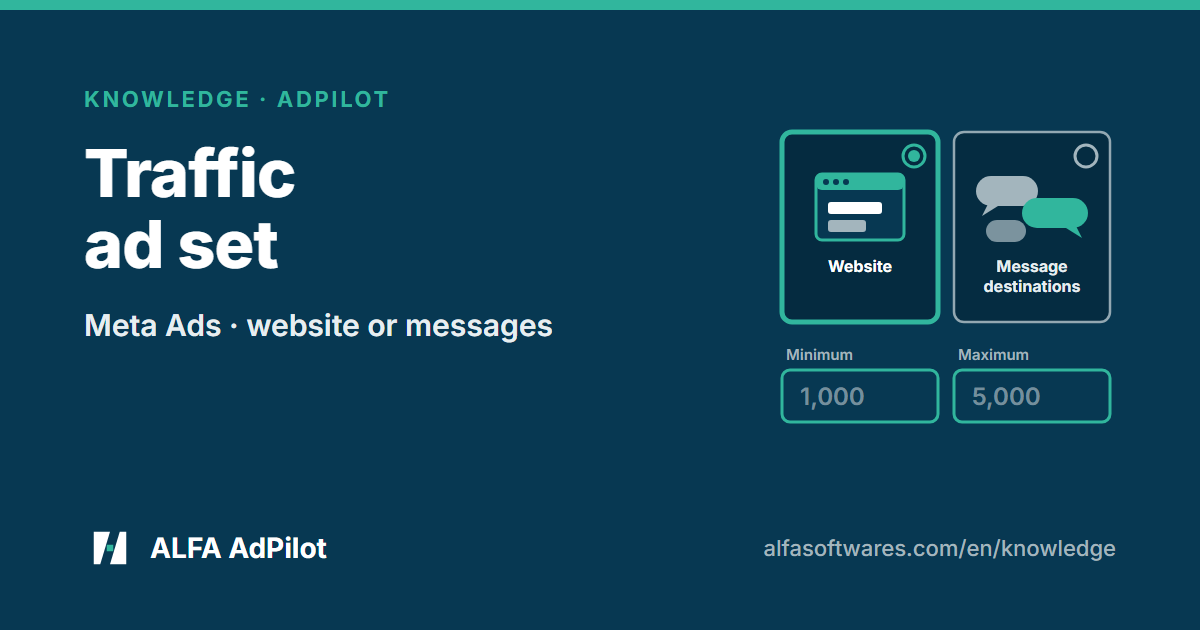
The box asks where you want to drive traffic; the on-screen hint reads “Choose where you want to drive traffic.” There are two choices:
- Website: send people to your website. This is the default.
- Message destinations: “Drive traffic to Messenger, Instagram and WhatsApp.” With this choice you also pick the channel (Messenger, Instagram or WhatsApp) and a Facebook Page, because messages go through a Page.
Each choice has its own “Performance goal” box.
Performance goals by location
For Website, the “Performance goal” box has four items:
| Performance goal | When to pick it |
|---|---|
| Maximize number of landing page views | You want people to click the ad and have your page finish loading. This one is selected by default |
| Maximize number of link clicks | You want as many clicks on the link as possible |
| Maximize daily unique reach | You want the ad to reach as many different people as possible each day |
| Maximize number of impressions | You want the ad to show as many times as possible |
For Message destinations, the goal list combines the goals of the three channels, and some goals only suit some of the channels. AdPilot checks the channel-and-goal pair before it sends anything to Meta. For Messenger, the valid goals are the number of conversations, link clicks, reach and impressions. For Instagram, only the number of conversations and link clicks. If you pick an invalid pair, AdPilot says “The performance goal “{goal}” can’t be used with the conversion location “{location}”. Choose another goal.” and does not send the proposal.
Ad set spending limits
When the campaign uses a Campaign budget (Meta shares one budget across the ad sets), you can set limits for a single ad set. The area is titled “Ad set spending limits” and carries the hint “Set a minimum or maximum spend limit for this ad set.”
- There are two boxes: a minimum and a maximum limit. If the campaign budget is daily, the two boxes are daily; if it is a lifetime budget, they are lifetime. The box labels show the account currency.
- A campaign that sets its budget at ad set level doesn’t have this area, because a limit only makes sense when the budget sits on the campaign.
- The area appears for accounts whose currency AdPilot can write (VND accounts). Amounts are typed under the same rules as the other money boxes: see Typing budgets, bids and spending limits in AdPilot Meta.
- You can fill in just one of the two boxes.
When a choice isn’t valid
This table lists what AdPilot says, what it means and what to do.
| AdPilot says | What it means and what to do |
|---|---|
| “The minimum spend limit can’t be higher than the maximum. Raise the maximum or lower the minimum.” | AdPilot stops this before sending anything to Meta. Fix the two numbers so the minimum isn’t above the maximum |
| “Meta requires this ad set’s maximum spend limit to be at least {amount} with its current settings.” | Meta sets a floor for the maximum limit based on the ad set’s settings; {amount} is the figure Meta returns. Raise the maximum to that figure or more. When AdPilot can’t read the figure, the message is “The maximum spend limit is below what Meta requires for these settings. Raise it and try again.” |
| “An ad set with a lifetime spend limit needs an end date more than 24 hours after its start time. Set an end date or use daily limits.” | A lifetime campaign budget needs an end date on the ad set. Set an end date, or pick a campaign with a daily budget |
| “Ad set spending limits can only be set when the campaign uses a campaign budget.” | The campaign sets its budget at ad set level. Remove the limits, or pick a campaign that uses a campaign budget |
| “Message destinations need a Page.” | Pick a Facebook Page for the ad set |
| “Meta won’t accept WhatsApp as the conversion location because this Page isn’t linked to a WhatsApp Business account. Link a WhatsApp Business account to the Page on Meta and try again, or choose another conversion location.” | Link a WhatsApp Business account to the Page on Meta, then create the ad set again; or pick Website, Messenger or Instagram |
| “A conversion location only works with Traffic campaigns.” | You see this when you ask Claude or Studio to create an ad set for a campaign with another objective; drop the conversion location or pick a Traffic campaign |
Asking Claude or Studio to create the ad set
Claude and Studio use the same choices: conversion location (Website, Messenger, Instagram, WhatsApp), performance goal and ad set spending limits. The same checks apply, and the proposal still needs someone to approve it.
What AdPilot doesn’t do
- It doesn’t create ad sets for the other conversion locations in Ads Manager, such as an app, calls, an Instagram or Facebook profile, or live video on Instagram. To use those, create the ad set in Ads Manager.
- It doesn’t set ad set spending limits when the campaign sets its budget at ad set level.
- It doesn’t set an end date for you when the limits are lifetime.
- It doesn’t send a proposal when the minimum limit is higher than the maximum, or when the channel and goal pair isn’t valid.
- It doesn’t turn the ad set on: the ad set is created turned off.
Checklist
- The campaign has the Traffic objective (otherwise there is no “Conversion location” box)
- The right location is picked: Website or Message destinations, with the channel and Page for messages
- The performance goal fits the chosen location
- Spending limits: the minimum isn’t higher than the maximum; a lifetime campaign has an end date
- If you changed the campaign, press “Update for the selected campaign” before filling in more
Sources
- ALFA Software — AdPilot for Meta Ads: alfasoftwares.com/en/adpilot-meta