Get started with AdPilot for Google Ads: from sign-up to your first task
Contents
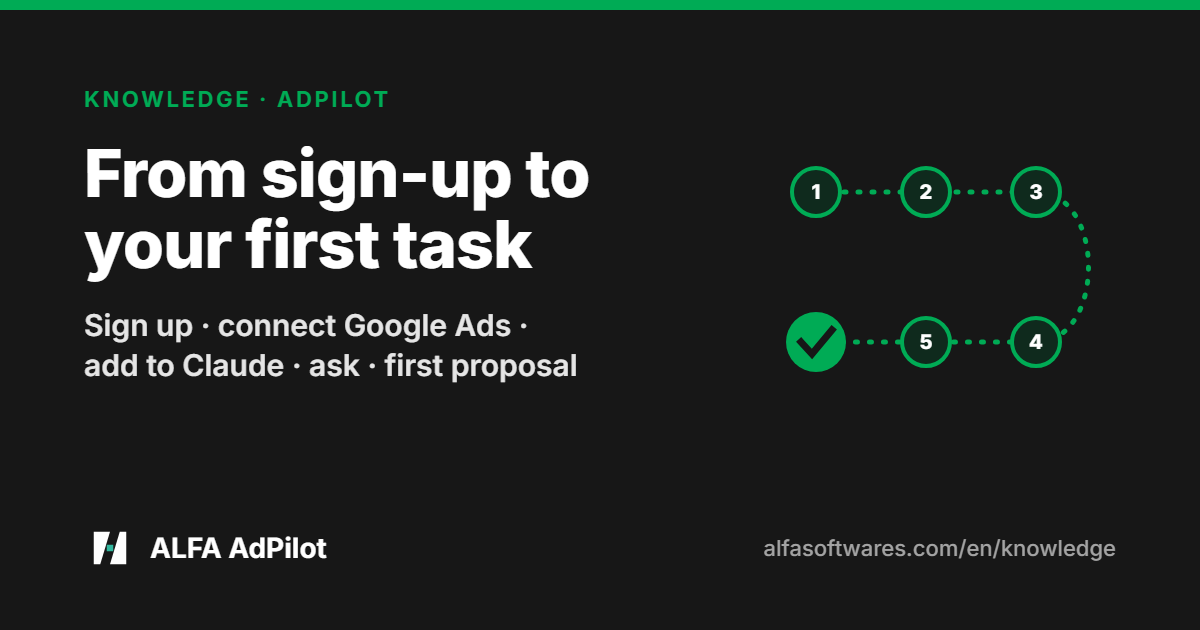
Getting started with AdPilot for Google Ads is: sign up with no card, connect Google Ads, pick the accounts to manage, add AdPilot to Claude, ask “What needs doing today?” and create your first proposal. A newly linked account is read-only, so the first proposal doesn’t touch Google yet. This article goes step by step and points to the detailed article for each part.
Before you start
- A Google account that already has access to the Google Ads accounts you want to manage.
- The organisation owner or approver role: only these two roles can connect Google Ads; with another role, ask one of them (source).
- No card needed: a new organisation already has the Trial plan. See AdPilot free trial.
1. Sign up
Go to alfasoftwares.com/en and click “Start free”. Sign up with Google, or with an email and a password (at least 10 characters). If you used email, open your inbox and click the confirmation link; no email? Check your Junk folder (source).
The Trial plan includes 1 Google Ads account, 200 tool calls and 20 Studio questions; the calls and questions don’t refill, but the plan doesn’t expire (source).
2. Connect Google Ads
In the members area, on the AdPilot card, click “Connect now”. Sign in with the Google account that already has access to your ad accounts, and when Google asks for permission, choose Allow. You don’t need to invite ALFA into your MCC (source). Every screen, with pictures: Connect Google Ads to AdPilot for the first time.
3. Pick the accounts to manage
AdPilot lists the accounts under your MCC, and the listing costs nothing. Click “Link” on each account you want to manage. Only linked accounts count towards your limit; the Trial plan covers 1 account (source).
Newly linked accounts are read-only. To let AdPilot apply approved changes, the organisation owner or an approver clicks “Allow changes” for each account; this step is optional, so do it when you’re ready (source).
4. Add AdPilot to Claude
On Claude.ai: click Customize in the left sidebar, go to the Connectors tab, click + Add, then Add custom connector. You type the name yourself, e.g. “ALFA AdPilot Google”; the field starts empty. The address is mcp-google.alfasoftwares.com/mcp. Connect, sign in to ALFA, and pick your organisation; there’s no token to paste (source).
Some apps only allow custom connectors on a paid plan. No paid AI plan? Use Studio on the ALFA web app instead (source). Details: Claude connectors and What is a Google Ads MCP; for ChatGPT, see Connect AdPilot to ChatGPT.
5. Ask your first question
Type in Claude: “What needs doing today?” AdPilot scans the accounts you manage and ranks the work by urgency. If there’s nothing to do, it says so (source).
If AdPilot answers “AdPilot doesn’t have a way to do this yet”, it means AdPilot can’t do that task yet, so the AI connected to AdPilot can’t do it for you either. Do it in Google Ads or in Meta Ads Manager; if you need AdPilot to do it, message the ALFA Software support group so ALFA can note it (source).
6. Your first proposal
Try an instruction, e.g. “Add ‘free’ as a phrase-match negative keyword for the <your campaign name> campaign.” (source)
- AdPilot only creates a proposal; nothing touches Google yet.
- Low-risk changes: you agree right in the chat.
- High-risk changes: someone has to open the approval page on the ALFA web app and click.
- A proposal nobody approves expires after 24 hours.
- Applied changes can still be undone.
- While the account is read-only, the AI can still create proposals but can’t apply them until someone clicks “Allow changes” (step 3).
For each step of approval, see Approve AdPilot proposals, then apply.
Common snags
Pasted the “Full” address and can still only view: see Pasted the “Full” address but AdPilot is still read-only.
Claude can’t see new tools yet: the tool list is fetched when you connect, so new tools only show up after you reconnect. In Claude, open Customize → Connectors, disconnect ALFA AdPilot, then connect it again (source).
Do you run Meta ads? See Get started with AdPilot for Meta Ads.