Google Ads manager account (MCC): what it is and how it works
In this article
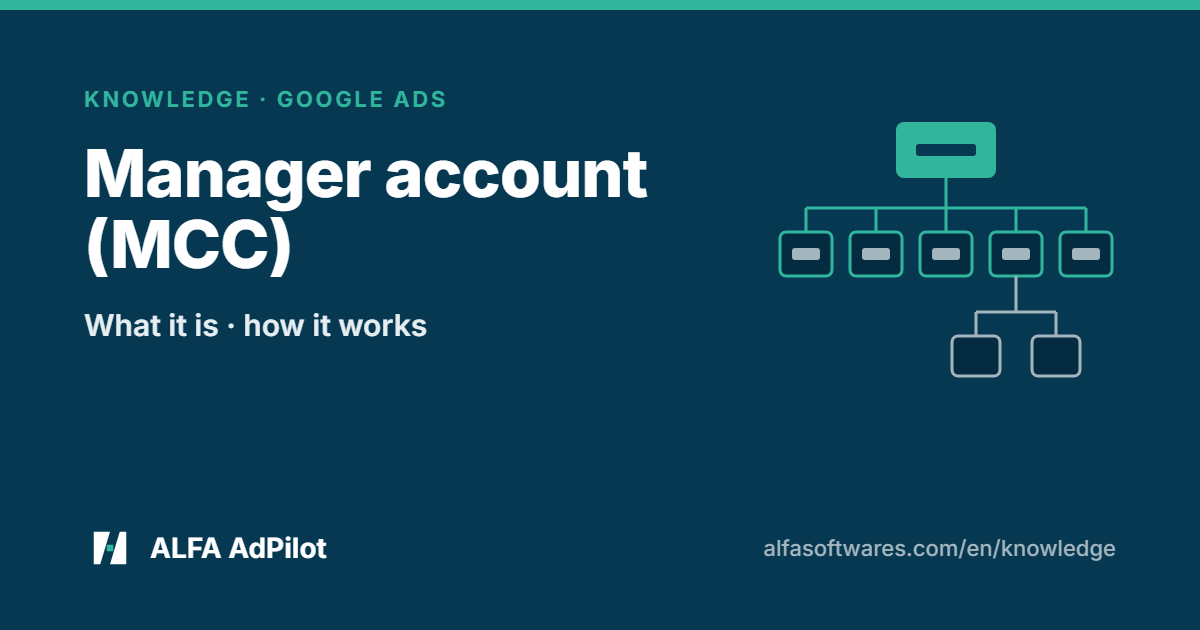
A manager account is a Google Ads account that lets you view and manage multiple Google Ads accounts — including other manager accounts — from a single location (source). According to Google, if you’re an agency or someone who manages multiple Google Ads accounts, a manager account is a tool that could save you time (source).
A manager account isn’t an “upgrade” of your Google Ads account. It’s an entirely new Google Ads account you create (source).
1. What you can do from it
According to Google (source):
- Use a single sign-in to reach your clients’ Google Ads accounts, including other manager accounts.
- Compare performance across accounts and run reports for several accounts at a time.
- Create and manage campaigns for client accounts from within the manager account.
- Use alerts to monitor linked accounts.
- Link to a payments profile for monthly invoicing.
- Create and link new Google Ads accounts from within the manager account.
A manager account can also be given ownership of a client account, which lets you manage user access for that account. Even so, with a manager account you can’t change proprietary information for a client account, such as its sign-in information. For the MCC to own a child account, the child account’s admin needs to grant ownership to the MCC (source).
2. Linking client accounts
- From the manager account, send an invitation using the Google Ads account’s Customer ID. To link several accounts at once, enter one Customer ID per line (source).
- People with administrative access to the invited account receive an email inviting them to link (source).
- Once the invited account accepts, you get an email confirmation and the account is linked to your manager account automatically (source).
Linking doesn’t change the client account: its history stays intact. By default, the manager account doesn’t have administrative ownership of the client account (source). Users with administrative access to the client account can end the link with the manager account when they need to (source).
3. Limits to know
According to Google (source):
- The number of non-manager accounts a manager account can be linked to at one time depends on the accounts’ monthly spend over the last 12 months.
- A Google Ads account can’t be directly managed by more than 5 manager accounts.
- A manager account can’t be directly managed by more than 1 other manager account.
- The client account structure can be no more than 6 levels deep.
- A Google Ads account can’t be linked to more than one manager account in the same MCC hierarchy.
Separately, up to 20 Google Ads accounts (including manager accounts) can be associated with a single email address (source).
4. The five access levels
Within a Google Ads account, Google has five access levels (source):
| Level | Can do |
|---|---|
| Email-only | Receive notification emails and reports |
| Billing | View and edit billing information, run billing reports |
| Read-only | View campaigns, use planning tools, run performance reports; view billing information |
| Standard | Everything read-only can, plus edit campaigns and billing information |
| Admin | Adds: accept or reject manager account link requests, unlink manager accounts, give and change other users’ access, start and complete Advertiser Verification |
Checklist
- A separate manager account created (not an upgrade of the old account)
- Invitation sent by Customer ID; the client accepted
- You know client admins can unlink when they need to
- Limits checked: 5 managers per account, 6 levels deep
- Each user has the access level they need
Where AdPilot fits
With AdPilot for Google Ads, you connect with the Google account that already has access to your ad accounts; you don’t need to invite ALFA into your MCC (source). AdPilot can only touch the accounts your own Google account can already touch, and it doesn’t widen its own access (source).
AdPilot lists the accounts under your MCC, and the listing costs nothing. Click “Link” on each account you want to manage; only linked accounts count towards your limit (source). Connect as many MCCs as you like (source).
See AdPilot for Google Ads · Pricing
💬 Need help? Join the ALFA Software support group on Telegram (ask in your own language) — or message our support bot privately about your account or invoices.
Checked against Google’s documentation on 8 Nov 2026. Google Ads policies and interface can change; where they differ from this article, follow Google’s documentation.
Sources
- Google — About Google Ads manager accounts: https://support.google.com/google-ads/answer/6139186
- Google — Link accounts to your manager accounts: https://support.google.com/google-ads/answer/7459601
- Google — About linking accounts to your manager account: https://support.google.com/google-ads/answer/7456530
- Google — About access levels in your Google Ads account: https://support.google.com/google-ads/answer/9978556
- ALFA Software — AdPilot for Google Ads: https://alfasoftwares.com/en/adpilot-google · Pricing: https://alfasoftwares.com/en/adpilot-google/bang-gia · Docs: https://alfasoftwares.com/en/tai-lieu