Connecting Claude or ChatGPT directly to Google Ads or through AdPilot: what’s different
Contents
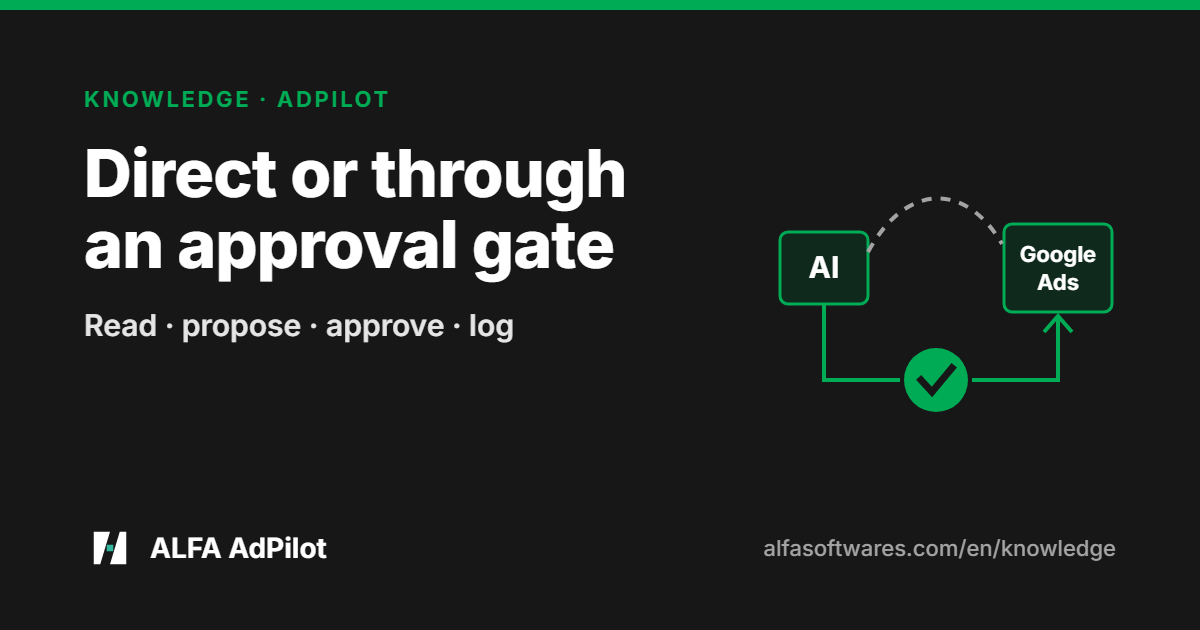
Connecting Claude or ChatGPT directly to Google Ads means the AI uses an MCP server to read the account and, depending on the server, draft changes. Through AdPilot, that server has an extra gate: the AI drafts a proposal, an approver agrees and only then is it applied, and each application goes in the log. This article covers the questions to ask, how AdPilot answers each, when read-only is enough and the limits.
1. Two ways to connect, one standard
Both use MCP (Model Context Protocol), an open standard for connecting AI apps to outside systems (source). The difference is what sits between the AI and Google Ads:
- Directly: the AI uses the tools of an MCP server that works with a Google Ads account: reading campaigns, keywords and spend and, depending on the server, drafting changes (source). What the AI can do, who approves and where it’s logged depend on that server.
- Through AdPilot: the same way of connecting, but AdPilot doesn’t write directly to Google Ads. Each change goes through a proposal and needs your agreement (source).
2. Questions to ask any server
Whichever you choose, ask the questions below before letting an AI touch an ad account. The right-hand column is AdPilot’s answer; for another server, read its documentation to fill in each row.
| Question to ask | At AdPilot |
|---|---|
| How far can the AI go: read only, draft changes or apply them? | There are three addresses: “Full” (read, create proposals and apply), “View + propose” (read and create proposals; the AI can’t apply anything) and “View only”. The real level of each call is the smallest of four things: the permission you give the AI app, the address in use, the organisation’s maximum in Guardrail and the plan that’s running (source). |
| Who decides whether a change reaches Google Ads? | A change becomes a proposal with a reason and a risk level. Low risk: you agree in the conversation. High risk: a person must open the approval page and click; the AI can’t approve it. If nobody approves within 24 hours, the proposal expires (source). |
| What can the AI do on a newly connected account? | Read only by default; the organisation owner or an approver has to turn on changes for each account separately (source). |
| Who did what, and where is it recorded? | Each application goes in the log: who approved, when, and what the result was, including failed or blocked attempts (source). |
| How do you roll back a mistake? | Undo creates a reverse proposal that goes through the same apply gate. When a change can’t be rolled back, such as deleting a campaign, AdPilot says so (source). |
| How do you revoke an AI app’s access, and is there a secret string to paste? | No token to paste: all users paste the same address, then signs in to ALFA and picks an organisation. Access is tied to the account, so you can revoke one app at a time, and the log knows who called what (source). |
3. When read-only is enough
If you only need the AI to answer questions about campaigns, such as checking spend or reading a report, it doesn’t need to draft changes. AdPilot has a “View only” address: the AI can look at the account, can’t propose and can’t change anything (source). This suits you when you’re trying it out, or when you don’t want the AI to draft any changes yet.
4. When you want the AI to draft changes
Once you want the AI to draft changes, the questions become the rows in section 2: who approves, where it’s logged, how to roll back. For an agency running many client accounts, connecting one more account doesn’t automatically give the AI permission to edit it (source). The step-by-step is in Using AI to run Google Ads without giving up approval.
5. Limits of the AdPilot route
- A high-risk change needs a person to click on the web; the AI can’t approve it, so that proposal waits until someone does.
- A proposal nobody approves within 24 hours expires.
- Some changes can’t be undone; deleting a campaign is one example.
- The MCP route runs inside your AI app, so it follows that app’s conditions: some apps only allow custom connectors on paid plans. Without a paid AI plan, use Studio on the ALFA web (source).
6. Frequently asked questions
Will Claude or ChatGPT change my budget on its own? Through AdPilot, no: a budget change becomes a proposal, and a newly connected account is read-only until the organisation owner or an approver turns on changes. A low-risk change is applied only after you agree in the conversation; a high-risk change needs a person to approve it on the web.
Is connecting ChatGPT different from Claude? The steps differ a little, and ChatGPT may show a “High risk” label. See Connect AdPilot to ChatGPT and Claude connectors.
What if I run Meta ads? See What is a Meta Ads MCP.