Managing many Google Ads and Meta Ads accounts as an agency with AdPilot: who does what, who approves
Contents
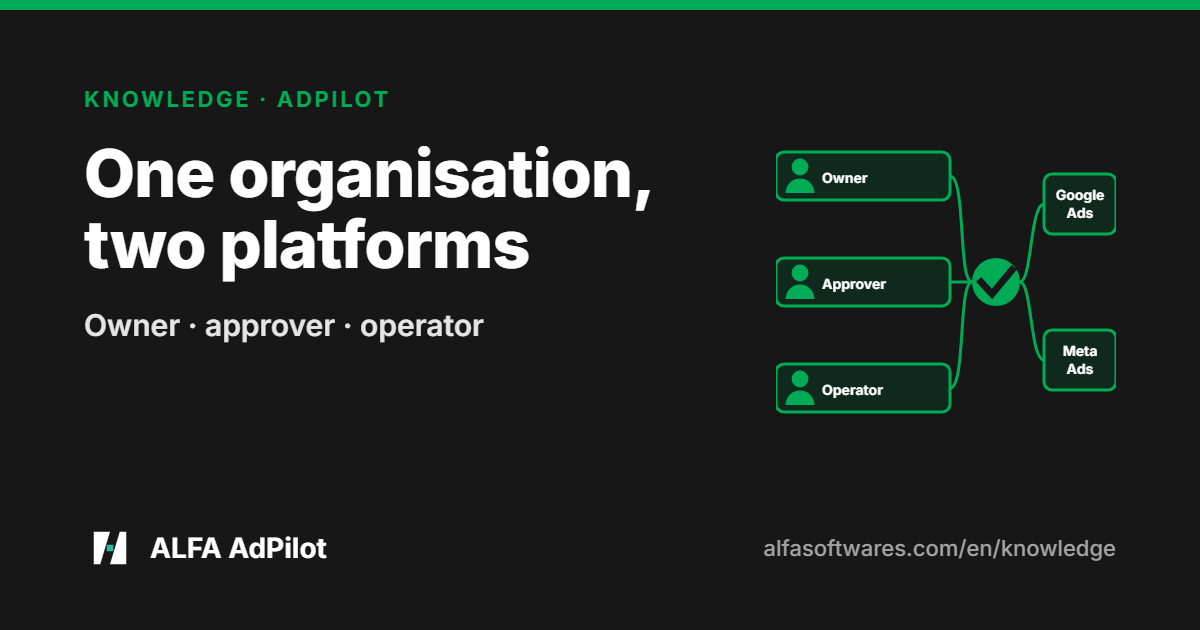
An agency can run both Google Ads and Meta Ads in the same AdPilot organisation: operators give the AI instructions and create proposals, approvers click to approve high-risk changes, and the owner handles the plan and invoices. A change only reaches an ad account after it is approved and applied, and each one goes in the log. This article covers roles, the approval gate, the morning routine, undo and shared limits.
1. One organisation holds the accounts for both platforms
ALFA products are granted to an organisation, not to each person. The organisation holds the right to use the products, the plan, invoices and the Google Ads and Meta ad accounts that are connected (source). When you connect AdPilot to an AI app, you sign in to ALFA and pick an organisation; the organisation you pick decides the plan, the limits and the accounts AdPilot works with (source).
2. Three roles: who does what
| Role | What they do |
|---|---|
| Owner | Edits invoicing details, sets the plan and decides who joins the organisation. Only the owner can invite members and change the payment method. |
| Approver | Approves or rejects a proposal before it touches an ad account, on Google Ads or Meta Ads. |
| Operator | Gives instructions and creates proposals. A low-risk change is applied by agreeing in the conversation with the AI; a high-risk change needs an owner or approver to approve it on the web. |
Source: Organisations and the three roles in AdPilot. The suggestion in that article for a small team: whoever instructs the AI day to day is the Operator, whoever is responsible for the client’s budget and results is an Approver, and whoever handles invoices and the plan is the Owner.
3. One approval gate for both platforms
AdPilot doesn’t write directly to Google Ads or Meta Ads: a change becomes a proposal, and reaches the account only after it is approved and applied (source).
- Low risk: you agree in the conversation and the AI can apply it.
- High risk: an owner or approver has to open the proposal’s page on the web and approve; the AI can’t approve for them.
- Expiry: a proposal nobody approves within 24 hours expires (source, source).
- Newly linked accounts: read-only by default; the owner or an approver clicks “Allow changes” for each account (source).
Where you see proposals differs by platform: in AdPilot for Meta Ads they’re on the “Pending approval” screen (source); for the approval step on Google Ads, see Approve AdPilot proposals, then apply.
4. The morning routine
| Google Ads | Meta Ads | |
|---|---|---|
| Screen | Account health, seven checks each morning | Dashboard “Scan today”, then Account health and Quick report |
| How you get the numbers | AdPilot scans each morning in your organisation’s time zone; “Scan again now” reads fresh numbers | Click “Scan today” |
| What to look at | A suspended account, billing, budget pacing, ad policy | Policy risk, nearing the spending limit, a cost spike, proposals awaiting approval |
Source: AdPilot account health, A quick morning check of your Meta Ads accounts. Your organisation’s “today” follows the time zone the owner picked (source).
5. Log and undo
Each application goes in the log: who approved, when, and what the result was (source); on Meta Ads, the log can be filtered by account, result and date (source). Undo goes through the same apply gate; only the owner and approvers can click the undo button on Meta Ads. When a change can’t be rolled back, such as deleting a campaign, AdPilot says so (source).
6. Plan and shared limits
AdPilot plans are split by platform: AdPilot for Google Ads, AdPilot for Meta Ads, or the Google + Meta bundle (source). Adding members costs nothing extra; the whole organisation shares the plan’s limits on tool calls, ad accounts and Studio questions (source). Pick a tier by the number of accounts you manage: only accounts you choose to manage count towards the limit (source).
7. Checklist for agencies
- The organisation has at least one owner or approver to approve high-risk proposals
- Whoever instructs the AI day to day is an Operator
- You’ve clicked “Allow changes” for the accounts that need editing, and left the rest read-only
- The owner has picked the organisation’s time zone
- You know where to see the log and how to undo
- You know the whole organisation shares the plan’s limits
8. Frequently asked questions
Does adding a team member cost extra? No; adding members costs nothing extra. See Does adding people to an AdPilot organisation cost extra?
Who approves when the person instructing the AI is a new hire? A high-risk change needs an owner or approver to approve it on the web; an operator can’t approve their own.
What if I run only one platform? Pick the plan for that platform; see Choose an AdPilot plan.