Prepay AdPilot for 3, 6 or 12 months
Contents
Besides paying month by month, you can pay once for 3, 6 or 12 months of AdPilot for Google Ads or the Google + Meta bundle. AdPilot for Meta Ads is currently paid monthly. This article covers the price of each plan, how to order, your limits during the period, and what happens if you cancel or when the period ends.
1. Prices
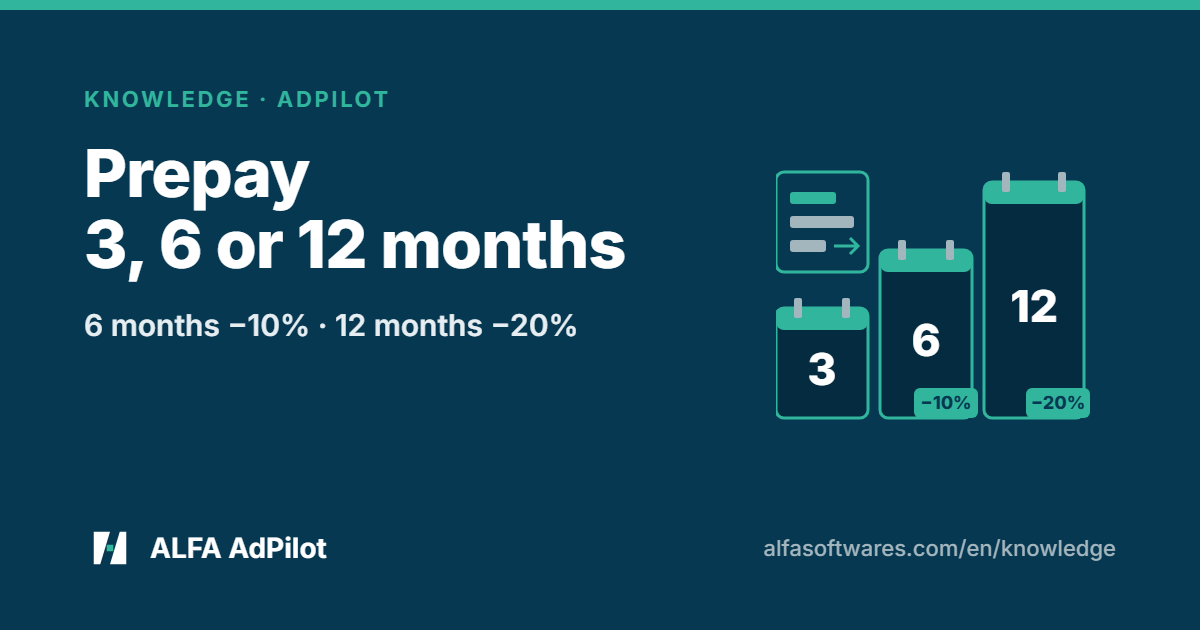
3 months are at the monthly price, 6 months get 10% off, 12 months get 20% off (source).
AdPilot for Google Ads
| Months | Starter | Agency | Unlimited |
|---|---|---|---|
| 1 month (monthly price) | VND 490,000 | VND 1,490,000 | VND 3,900,000 |
| 3 months | VND 1,470,000 | VND 4,470,000 | VND 11,700,000 |
| 6 months — 10% off | VND 2,646,000 | VND 8,046,000 | VND 21,060,000 |
| 12 months — 20% off | VND 4,704,000 | VND 14,304,000 | VND 37,440,000 |
AdPilot for Google Ads, paid by card or wallet through Paddle, in US$:
| Months | Starter | Agency | Unlimited |
|---|---|---|---|
| 1 month (monthly price) | US$19 | US$57 | US$149 |
| 3 months | US$57 | US$171 | US$447 |
| 6 months — 10% off | US$102 | US$307 | US$804 |
| 12 months — 20% off | US$182 | US$547 | US$1,430 |
Google + Meta bundle
| Months | Starter | Agency | Unlimited |
|---|---|---|---|
| 1 month (monthly price) | VND 790,000 | VND 2,390,000 | VND 5,900,000 |
| 3 months | VND 2,370,000 | VND 7,170,000 | VND 17,700,000 |
| 6 months — 10% off | VND 4,266,000 | VND 12,906,000 | VND 31,860,000 |
| 12 months — 20% off | VND 7,584,000 | VND 22,944,000 | VND 56,640,000 |
Google + Meta bundle, paid by card or wallet through Paddle, in US$:
| Months | Starter | Agency | Unlimited |
|---|---|---|---|
| 1 month (monthly price) | US$30 | US$92 | US$226 |
| 3 months | US$90 | US$276 | US$678 |
| 6 months — 10% off | US$162 | US$496 | US$1,220 |
| 12 months — 20% off | US$288 | US$883 | US$2,169 |
Card prices in the two tables above are before tax; Paddle adds tax based on where you buy and shows the tax amount on the checkout page before you pay.
Full pricing, including each plan’s limits: AdPilot pricing.
2. How to order and pay
- On your Account page, on the plan card you want, choose the number of months under “Prepay” (source).
- Place the order. For AdPilot for Google Ads and the Google + Meta bundle, prepaying works two ways: by card (plus the digital wallets Paddle supports on your device), checked out by Paddle in US$; or by bank transfer in VND (source).
- Transfer using the code on the invoice, as for any order.
For bank transfers, the VAT invoice is issued once for the whole prepaid period (source). For card or wallet payments you receive Paddle’s transaction confirmation; ALFA’s VAT invoice is issued for bank transfers only (source, section 6).
If that plan already has an invoice waiting for payment with a different number of months, your Account page will ask you to cancel it under Invoices and order again with the new number of months.
3. Limits during a prepaid period
Limits work as on the monthly plan and refill every month of the period (source). Prepaying for 12 months doesn’t give you 12 months of limits at once; each month you get the plan’s monthly limits.
4. Cancelling or changing plan mid-period
A prepaid period is one period: if you cancel mid-period, the period you paid for keeps running until it ends, and the rest of the period is not refunded pro rata, unless the law where you live gives you a right to a refund, or you paid by card or wallet and Paddle, the authorised reseller, agrees to a refund under Paddle’s policy (source). The refund policy says the same: if you cancel mid-period, the remaining months are not refunded (source).
Moving to a lower plan takes effect when the paid period ends (source).
5. When the period ends
A prepaid period lasts exactly the number of months you chose: 3, 6 or 12.
Near the end of the period, the plan renews through the same steps as any plan paid by bank transfer: a renewal invoice, reminder emails, a 3-day grace period (source). The renewal invoice is for the same number of months as your current period. To change the number of months while a renewal invoice is waiting for payment, pay that invoice first, then change it next period.
Don’t want to renew? Click “Cancel renewal” on the plan card before the period ends (source).